









For AE firm principals
Run the construction phase from one view
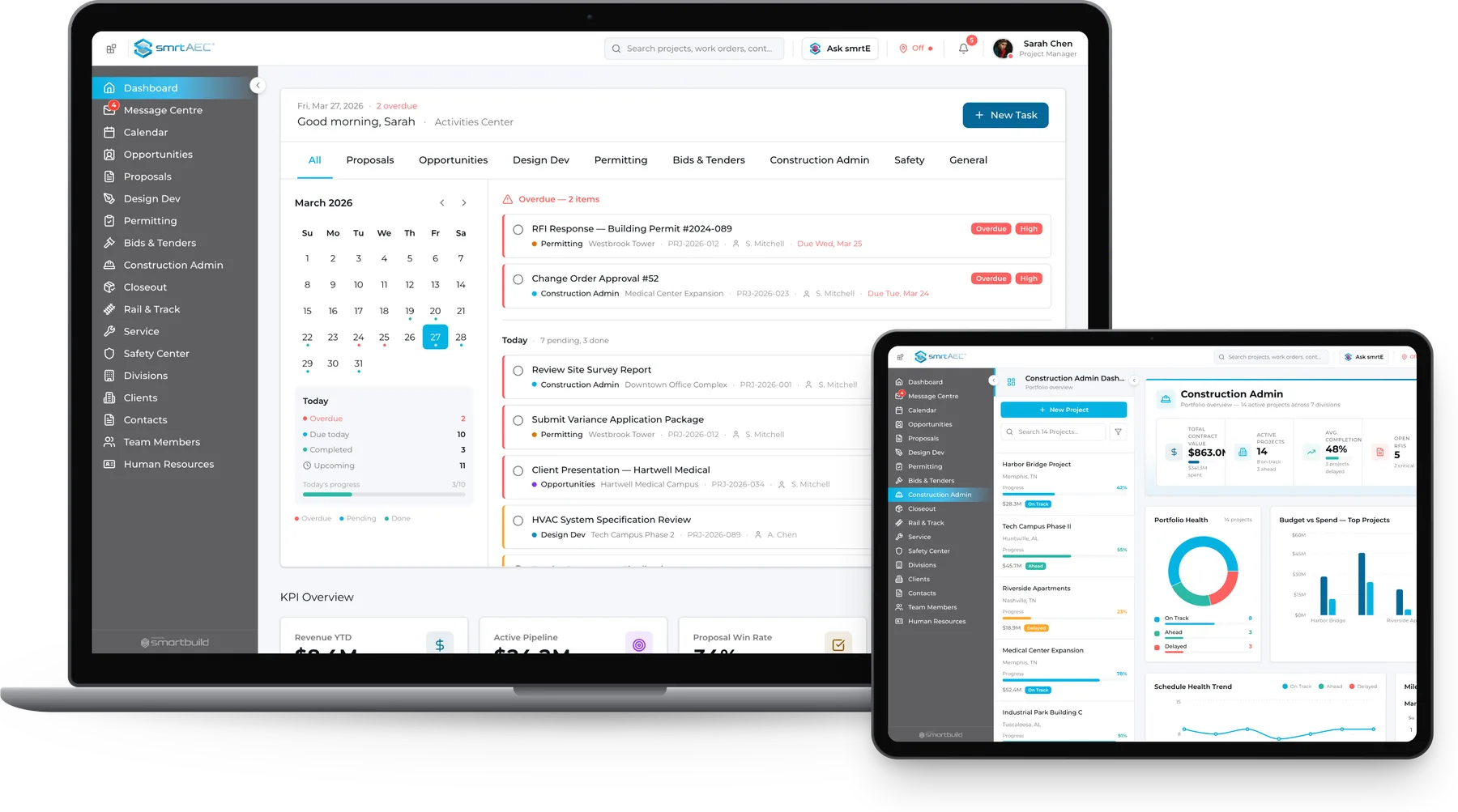
smrtAEC is project management software for architects that keeps design intent visible on every job at once. Submittals, RFIs, and site observations are kept in one record, so a detail built wrong is found before closeout, even on a job the principal has not visited.
- Flat fee for the whole practice
- Runs on your Microsoft 365 setup
Your software stops helping once construction starts
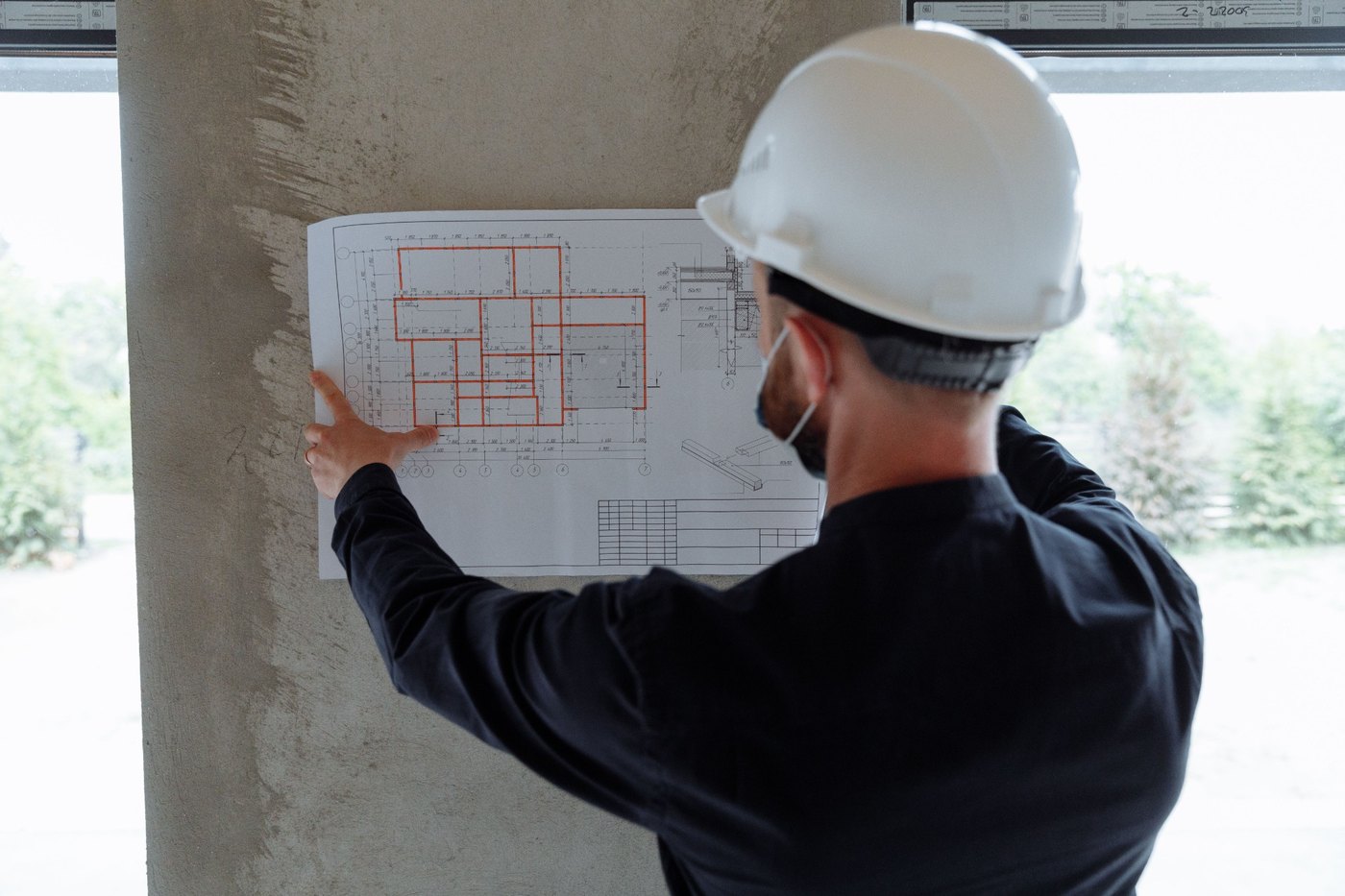
The architect signs the drawings and visits the site on a schedule, but construction carries on between visits. Mistakes made between visits are often found too late to fix cheaply.
smrtAEC was built by a construction contractor with thirty years in the field, for the construction phase that time-and-billing tools leave out. Those tools show whether a project is profitable, but not whether it is being built as drawn.
smrtAEC is the only construction administration software that shows a principal design fidelity across the whole practice, not one job at a time.
Left to chance
- The crew is trusted to have read the spec
- Site notes get lost in a folder
- Problems come to light when a claim is made
Generic firm tools
Deltek, BQE, Unanet
- Logs email and bills hours
- The construction phase is not covered
- Shows profit but not design fidelity
Design fidelity, practice-wide
- Submittals are checked against the drawings
- Site observations are filed to the job on the spot
- Design fidelity on every job is visible from one screen
The problems we see everyday
Nobody caught the revision
A sub built from an outdated drawing and the design team only found it a month later during a site walk. Fixing it meant a change order and a difficult call to the client.

The RFI wasn't answered, leaving the crew to guess.
A reasonable question reached an architect who was busy on another deadline. Six days passed, the crew made an assumption, and now it is built.

The site visit wasn't documented
An associate noted two deficiencies on a phone during a visit. At closeout the client asked for the observation log, and rebuilding it took a week.
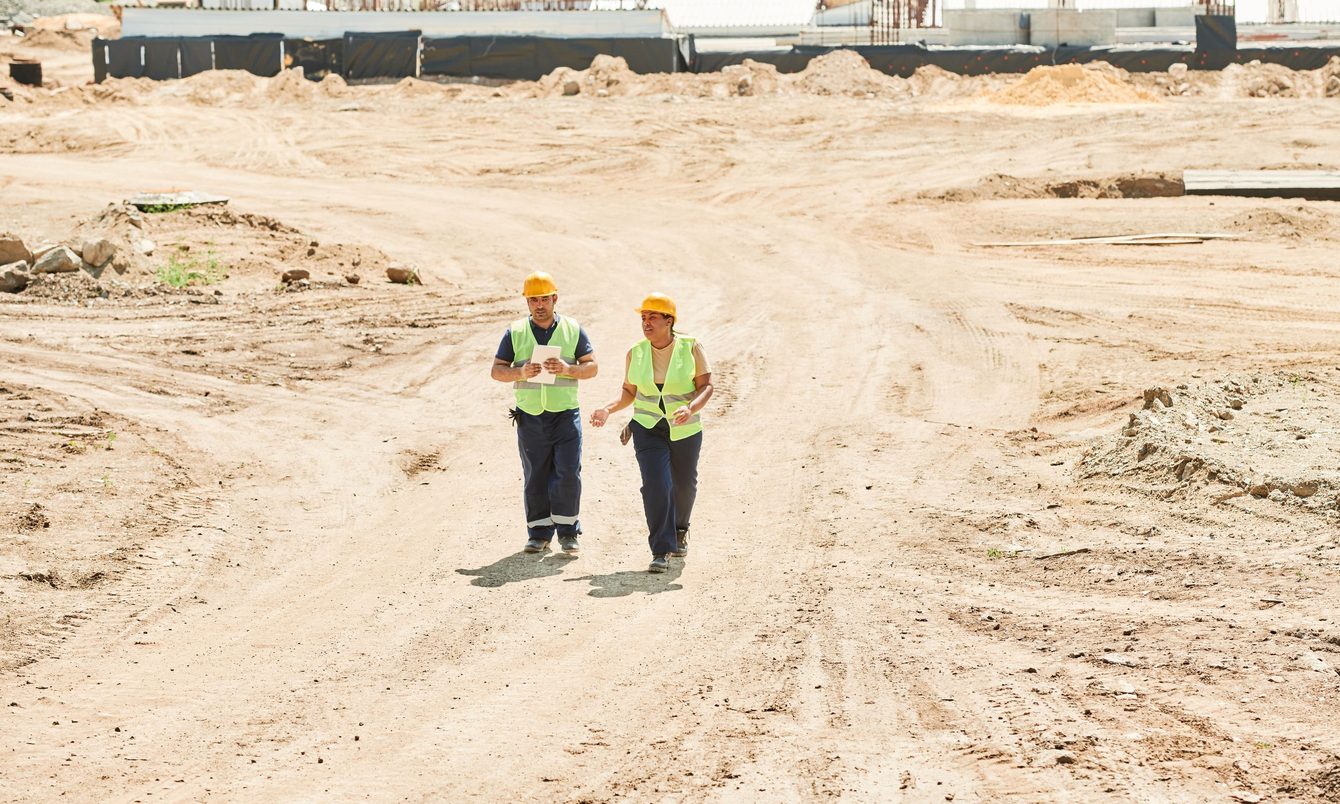
See every job, even the ones you cannot get to.
One system to help you win more work and protect your designs
Every module runs on the Microsoft 365 tools the studio already uses. Together they cover the three things a principal is responsible for.
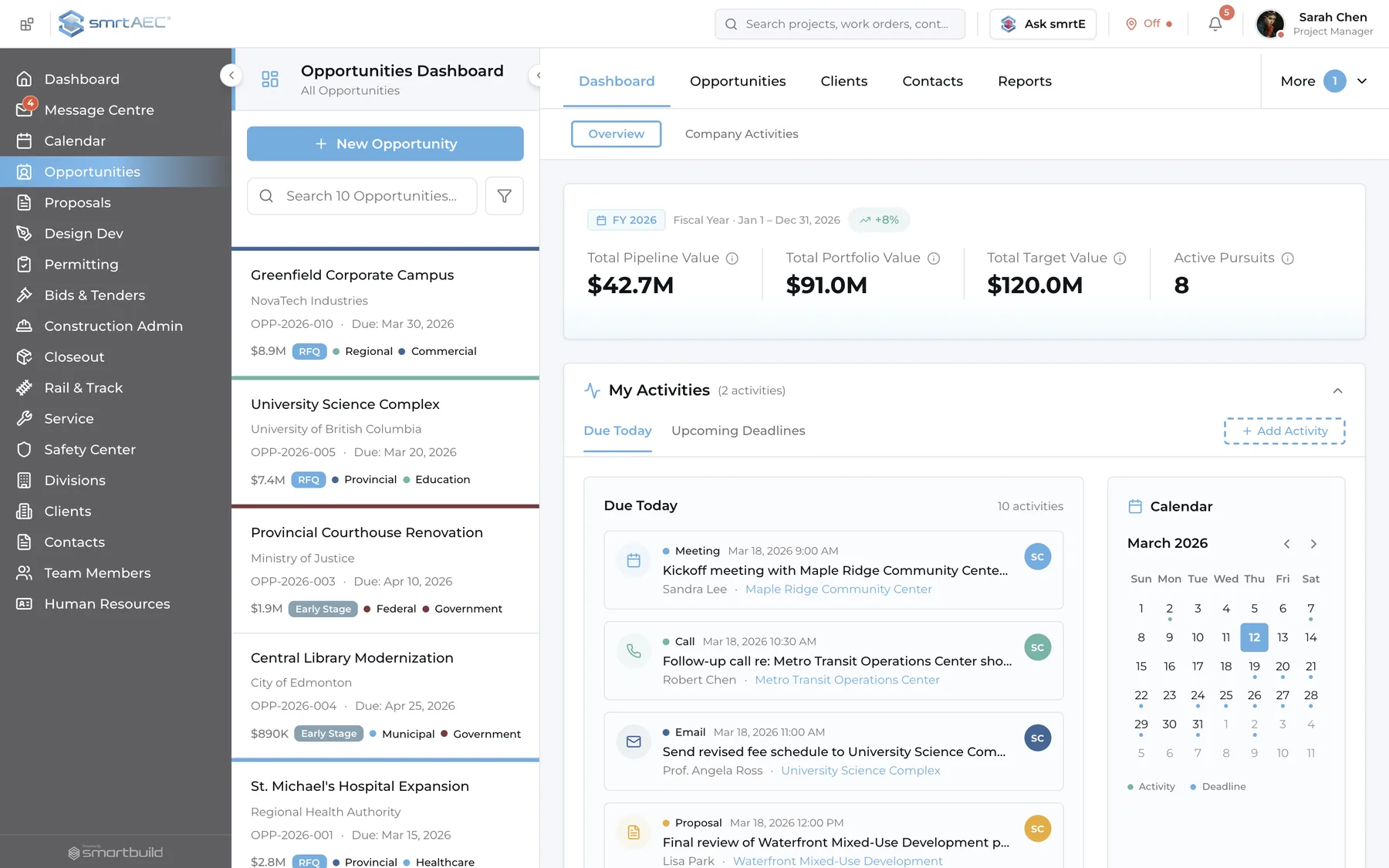
Win the work
When the pipeline lives in one person's head, opportunities are harder to track, manage, and grow.
- Business development
- Pursuits are tracked from first contact to award, by sector and relationship owner, in a shared record.
- Proposal library
- CVs, project photos, and past performance are kept in one place, so a proposal can be put together in an afternoon.
Each new proposal starts from work the firm has already done.
Protect the design
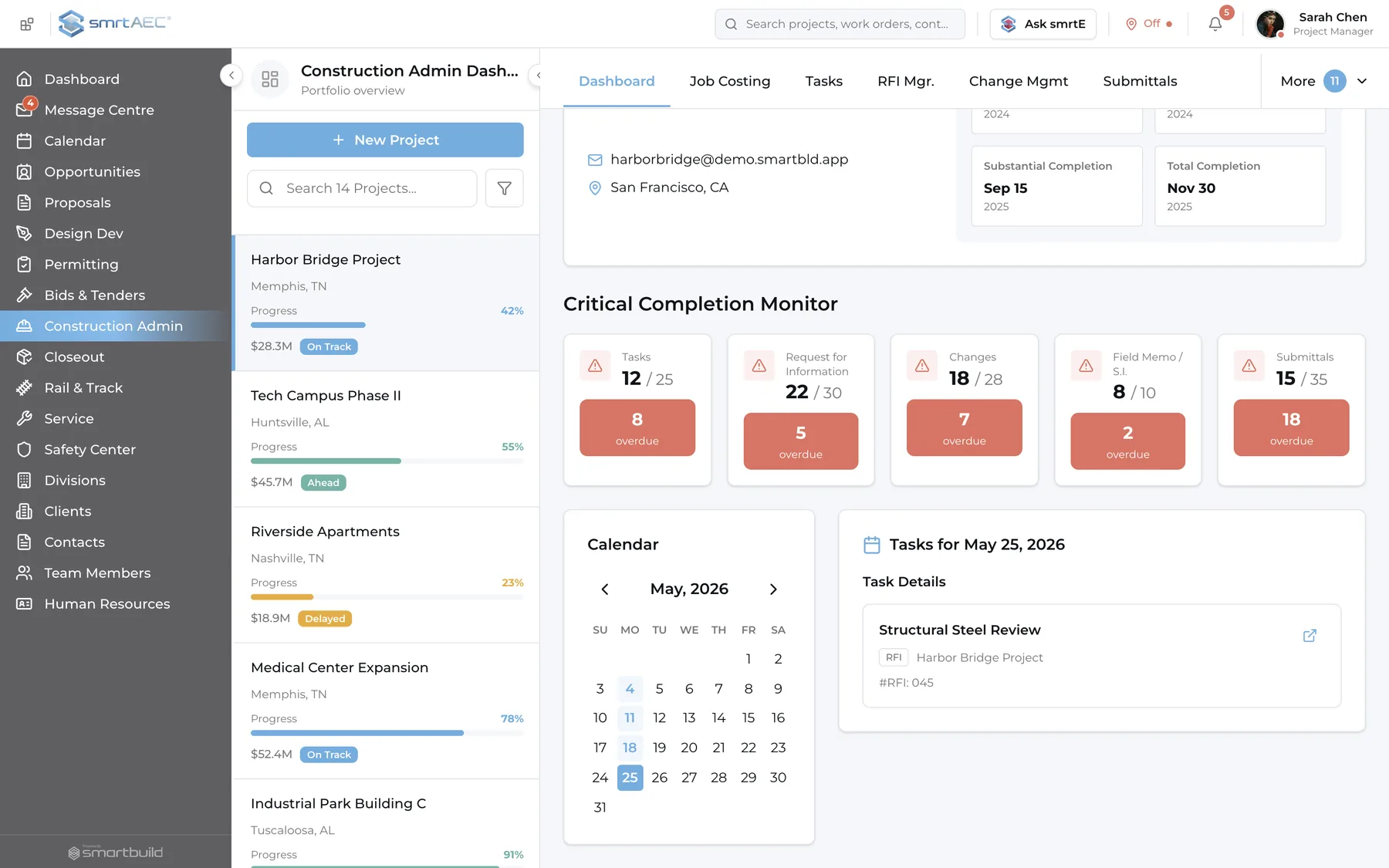
The construction phase is tracked in one record.
- Submittal review
- Markups, version history, and every response are checked against the drawing set they belong to, then dated and kept.
- RFI resolution
- Each RFI carries a status, an owner, a due date, and a link to the spec and drawing, so none get lost in an inbox.
- Site observation
- Site visits are logged on the spot with photos and deficiencies, and filed to the job before anyone leaves the site.
Design intent stays visible on every job.
Keep what you learn
Lessons from one project carry over to the next.
- Document control
- Drawings, specs, and contracts are kept in one repository with version control and role-based access, so files can always be recovered.
- Communication record
- Every project email is tied to the job rather than to a person, so nothing is lost when someone leaves.
- Lifecycle and closeout
- Each project moves through structured phases to the final certificate, and the closeout package is drawn from the record kept during construction.
Knowledge stays with the firm when someone leaves.
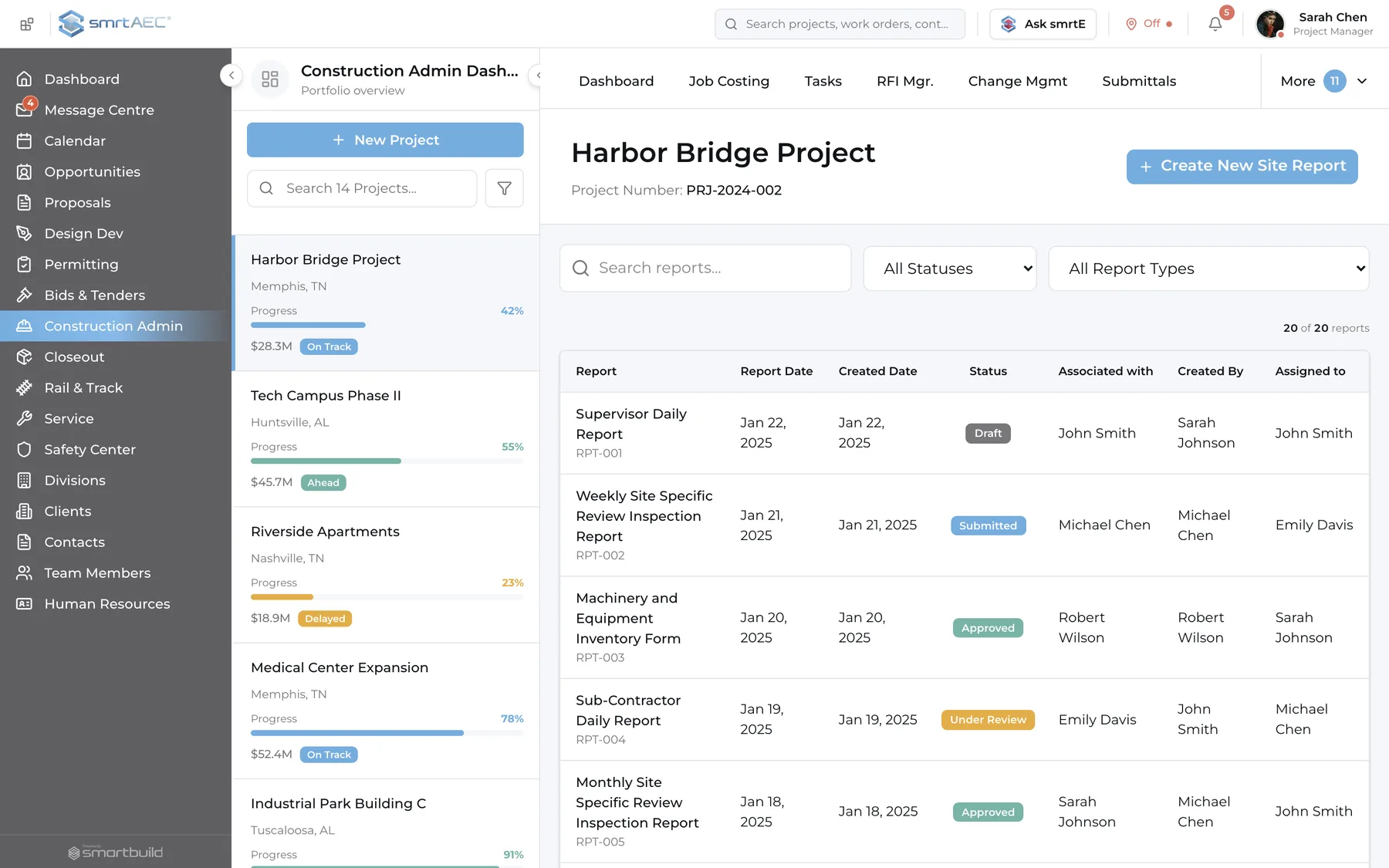
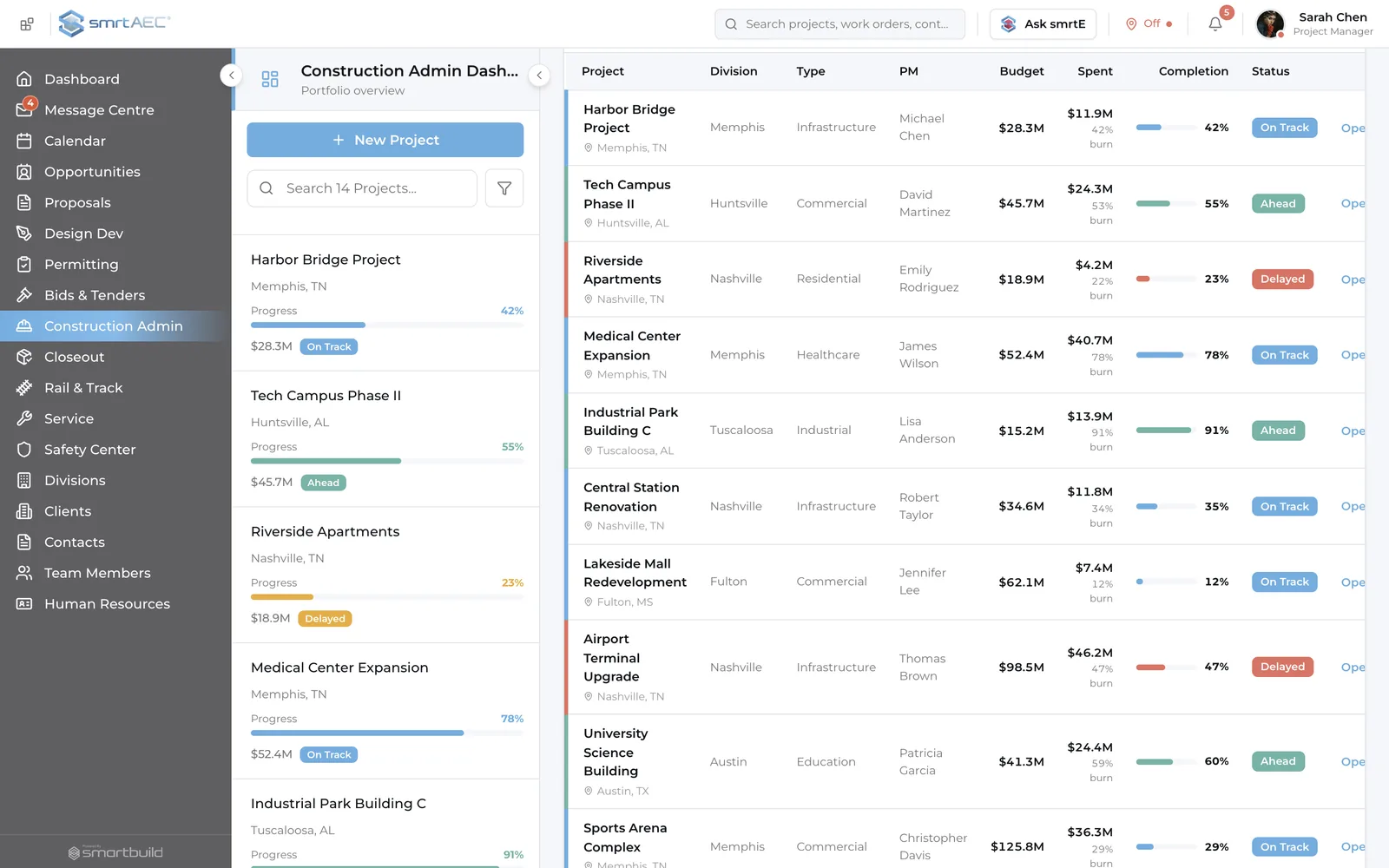
The practice-wide view
One screen shows every active job, each with its live count of open submittals, unanswered RFIs, and overdue items. The jobs that need attention are sorted to the top automatically.
Problems are caught during construction, while there is still time and budget to fix them.
Questions design principals ask
What is construction administration software for architects?
Construction administration software for architects is the system a design firm uses to run the construction phase of its projects: reviewing submittals, answering RFIs, documenting site visits, and controlling drawings, all tied to the design the firm produced. It gives a principal one record of whether each job is being built as drawn, instead of that record living in scattered email and folders.
How do architects manage submittals and RFIs across projects?
Architects manage submittals and RFIs by tracking each one in a shared system with a status, an owner, and a due date, linked to the drawing and spec it concerns. smrtAEC keeps that record across every active job, so nothing waits unseen in one person’s inbox and a principal can spot what is overdue at a glance.
What is the best RFI software for design teams?
The best RFI software for a design team ties every RFI to the drawing and spec in question, assigns an owner and a due date, and shows the full queue in one place. smrtAEC does this for the whole practice at once, which is what a principal needs when questions are spread across many jobs and many people.
How is smrtAEC different from Deltek or BQE Core?
Deltek and BQE Core are built for time, billing, and accounting, and they show whether a project is profitable. smrtAEC is built for the construction phase, where design intent is protected or lost. It tracks submittals, RFIs, and site observations across every job, so a principal can see design fidelity as well as finances.
Does smrtAEC work with Microsoft 365?
Yes. smrtAEC runs on Microsoft 365. Outlook email ties to the right project automatically, documents live in SharePoint, and Teams activity links back to the job. The studio keeps its existing tools, and the record stays complete without double entry.
Does smrtAEC cover the whole project or just construction?
smrtAEC covers the full arc, from winning the work to closeout. It includes business development and proposals, submittal and RFI management for the construction phase, and document control and closeout. Its coverage is deepest in the construction phase, which most firm tools do not support.
What does smrtAEC cost?
smrtAEC is a flat fee for the whole practice, not per user and not per project. One rate covers everyone across every job, so the price does not rise as the firm adds architects or takes on more work. Final pricing is set during onboarding based on firm size.
See smrtAEC in action
The demo runs smrtAEC on sample project data and shows design fidelity across a full slate of jobs.
- Flat fee for the whole practice.
- Built on the Microsoft 365 tools you already run.