








Built for the person on site
A superintendent spends the day away from a desk, managing crews, reading drawings, and making calls. smrt-E fits around that day. The superintendent describes what happened by voice, and smrt-E writes up the report.



AI voice assistant for field reporting
smrt-E is an AI voice assistant for construction field documentation. Crews speak their daily logs, RFIs, and safety reports, and smrt-E captures each one and routes it to the right place automatically.
It is 5:30pm and the crew has gone home. The superintendent is in the truck trying to remember what happened at 9am, 11am and 2pm.
An RFI sat in someone’s inbox for two days because nobody flagged it. The crew waited and the schedule slipped.
There is a dispute over extra work. One side has a photo and the other has a different story. Without a timestamped record, nobody can prove what happened.
A crew member describes what happened, such as an RFI, a safety check, extra materials, or a daily log. It works on a loud site and with a hard hat on.
smrt-E captures and tags the report and attaches the photo, which creates a proper record.
The record is sent to SMARTBUILD, Procore, or Autodesk, where the PM can see it.
smrt-E is built for construction teams and understands RFIs, submittals, and toolbox talks.
Morning
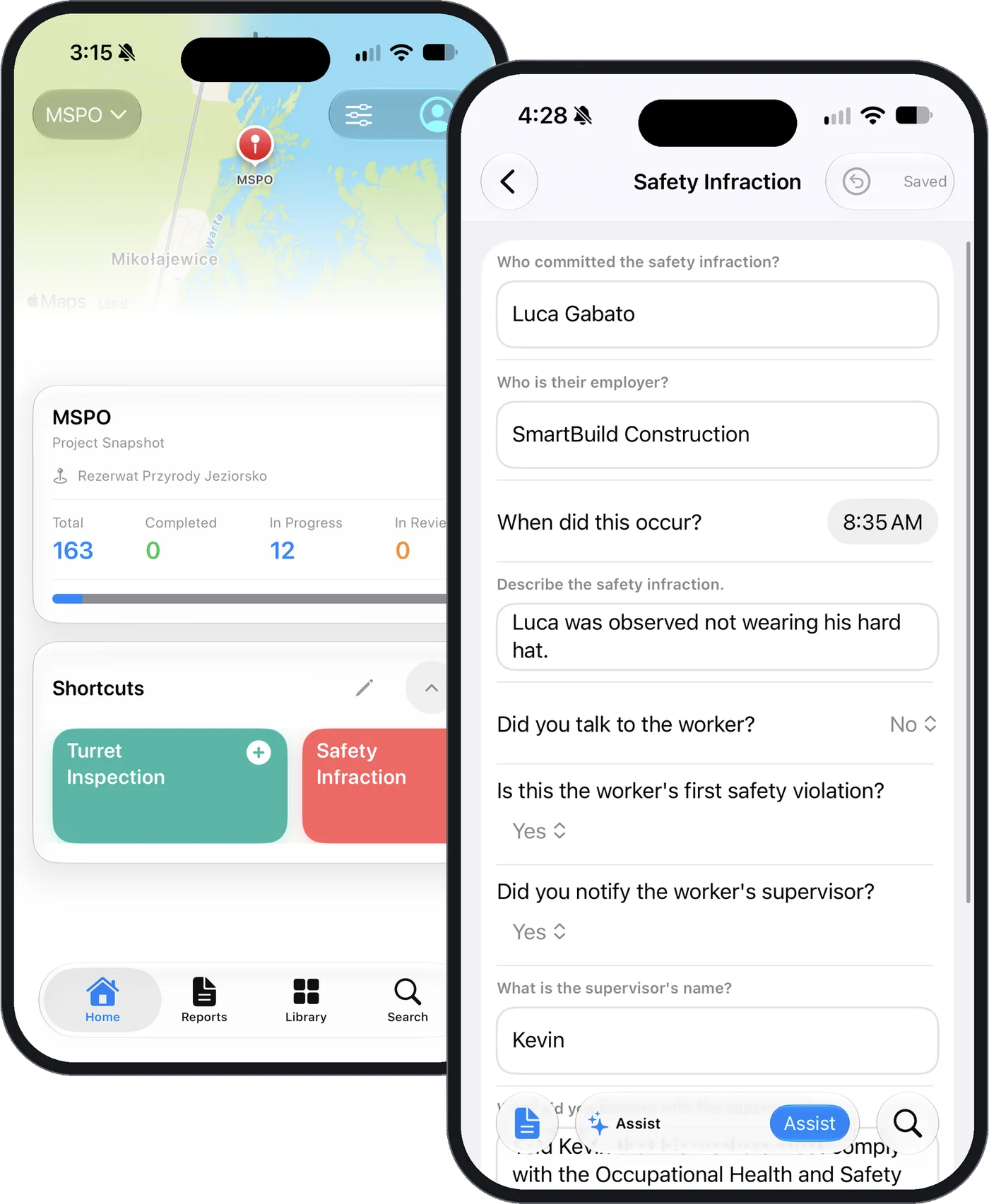
At 7:15am the safety check is done by voice.
The foreman spots a conflict between the drawing and the site condition.
The foreman speaks the RFI and attaches a photo. smrt-E files it for PM review before it is sent anywhere.
The PM approves it and routes it to the architect with full context attached.
The PM receives the architect’s response on SMARTBUILD, and the foreman is notified.
The crew carries on without losing a day.
Afternoon
At 3:00pm extra materials are logged by voice, with a photo attached.
The drawing undercounted the rebar, and the foreman flags the extra on the spot.
The foreman records a voice note, a photo of the pour, and the quantities, and smrt-E files it as a change.
The PM sees it within the hour and prices the extra against the contract.
The owner’s rep signs off from a phone. The record carries the photo and the time.
The change is in the pay app before end of day.
End of day
The daily log is finished before the drive home.
Everything is captured as it happens.
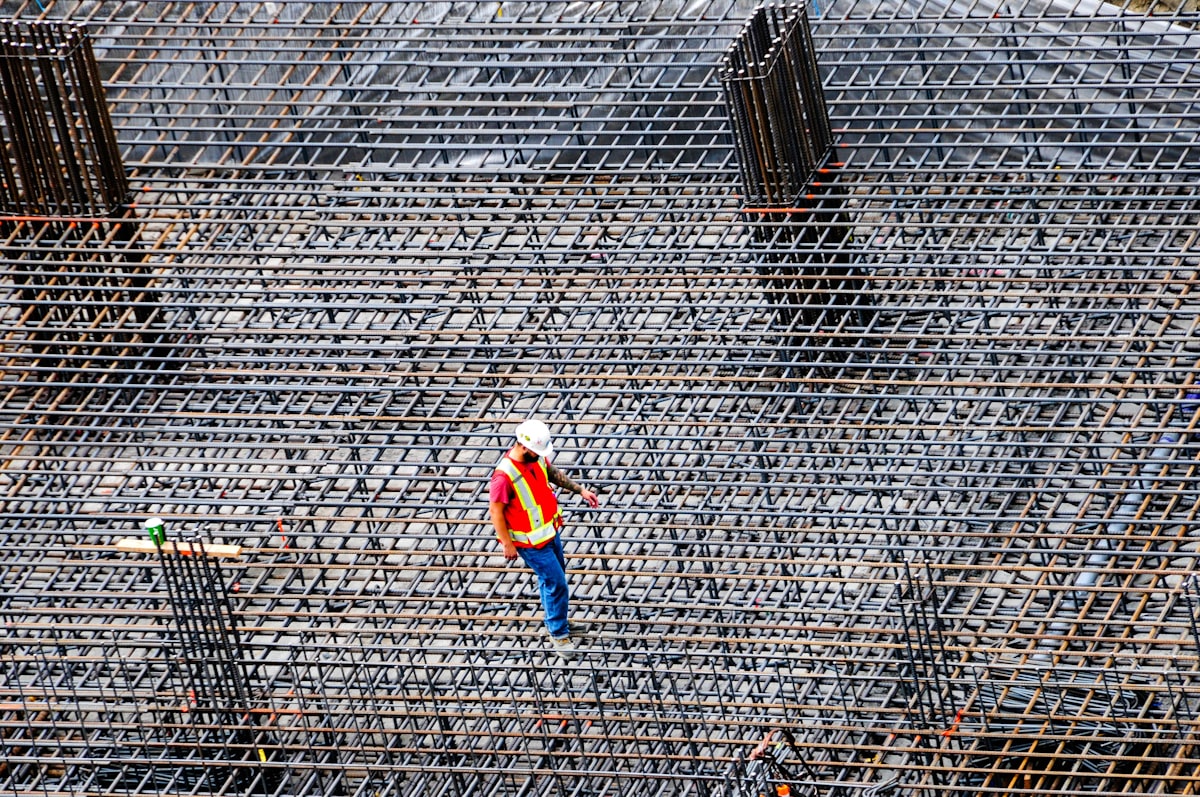
A superintendent spends the day away from a desk, managing crews, reading drawings, and making calls. smrt-E fits around that day. The superintendent describes what happened by voice, and smrt-E writes up the report.
When the superintendent uses smrt-E, the PM sees daily logs, RFIs, and change orders in one record, without texting the site each morning to ask what happened the day before.
Conversations, photos, and job records stay in the customer’s account and are never shared or used to train AI.
Crews already communicate by talking, on the radio, on the phone, and face to face. smrt-E captures what they say.
smrt-E works offline on noisy, underground, or out-of-signal sites, and syncs when the device is back in range.
smrt-E supports 200+ languages, so every worker can log in the language they think in.
Nothing is routed until it has been approved, so the crew stays in control.
smrt-E connects to SMARTBUILD, Procore, and Autodesk. Teams already on smrtGC or smrtSUB can start logging straight away. More integrations are on the way.




smrt-E is an AI voice assistant for construction field documentation. Field crews speak daily logs, RFIs, and safety reports. smrt-E routes records to SMARTBUILD, Procore, or Autodesk automatically. It is available standalone or as a bolt-on to smrtGC and smrtSUB.
smrt-E integrates directly with Procore. Field crews log by voice on the smrt-E app and records sync to Procore automatically.
Yes. smrt-E works offline in basements, steel-frame buildings, and remote sites with no signal. Logs and photos are captured locally and sync automatically when the device is back in range.
smrt-E supports 200+ languages. Crews log in Spanish, Portuguese, Tagalog, French, or any language they work in. Records are routed correctly whatever the language.
The superintendent speaks the daily log by voice: crew count, progress, delays, weather. smrt-E formats it, attaches photos, and files it to the connected platform. There are no forms to fill in and nothing to reconstruct at the end of the day.
No training is required. Crews speak the way they already communicate on site and smrt-E handles the rest. Most crews are logging on day one.
The foreman speaks the RFI by voice and attaches a photo. smrt-E files it for PM review before routing to the architect, capturing the question, photo, and timestamp at the moment of discovery.
It works either way. As a standalone app, smrt-E connects to Procore, Autodesk, and other platforms. As a bolt-on to smrtGC or smrtSUB, it layers directly onto the SMARTBUILD platform.